Jailbreaking iPhone X 16.7.12 with Palera1n-RootHide
As I searched for this topic, I was unable to find a comprehensive tutorial on how to jailbreak your iPhone X with version 16.7.12, specifically for the Dopamine jailbreak with RootHide.
It’s an important detail that this guide already assumes you know the basics of jailbreaking and does not delve into the theoretical aspects; it does not explore the why. This is more of a how-to-do-it blog. (Although I would love to write about the “why” part of it as well.)
My purpose with this article is to help those who might need to configure this for an assessment and want to save some time by not having to do deeper research.
You will find the information that the Dopamine jailbreak is good up to iOS 16.6.1*, so with 16.7.12 this is sadly not an option. 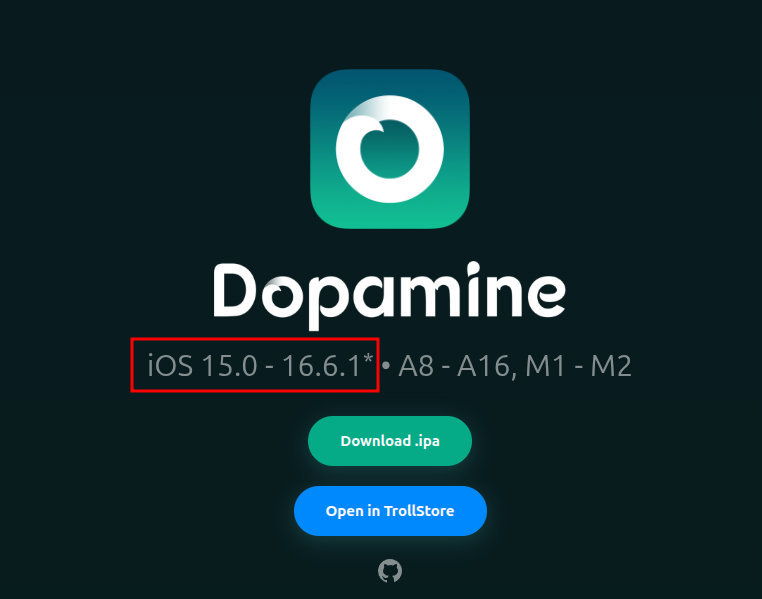
Well, there is an alternative method that works just as well. It’s the Palera1n-roothide, also known as palehide.
But here comes the loop that will probably drag you down the rabbit hole if you do this for the first time or in a hurry:
You use a simple Google search with something like “jailbreak 16.7.12 roothide”. What you will find, the YouTube videos, the blogs (that, by the way, link to the same YouTube videos that you have probably already seen in this topic if you are searching for a while), are not working anymore, or if they work, they contain more steps than would be needed to do this. Also, these tutorials tend to lead you in directions where you have to download already zipped collections of files from cloud storage and file-sharing sites like MEGA and Dropbox. In my experience, these ways did not work out well, and I would rather download from the maintainer of the project and from a trusted domain where you can download the application.
So, let’s get to the point.
Follow this link to jailbreak your iPhone with Palera1n: https://docs.website-msw.pages.dev/docs/intro/
It’s an excellent documentation, so in this case, I will not paste in the same screenshots and steps that can already be found there.
However, I recommend creating a bootable USB drive; it gave me by far the most stability. And I could only make it work on my Intel-based PC (but that is also one of the points mentioned in the documentation.)
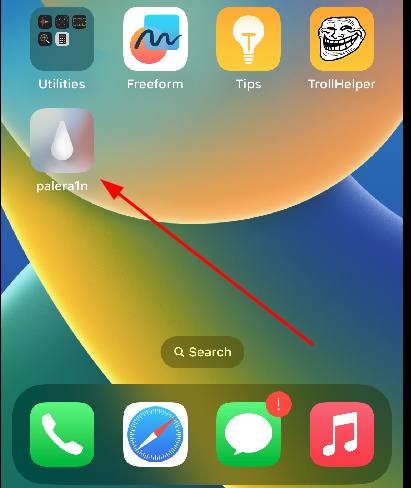
Next on your device, you should see the palera1n application.
Install Sileo package manager.
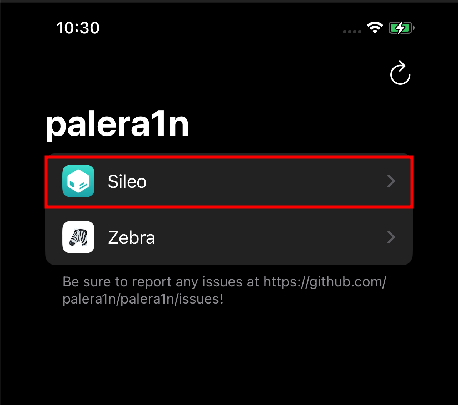
Make sure that the following repository is added on the sources tab:
https://ellekit.space/
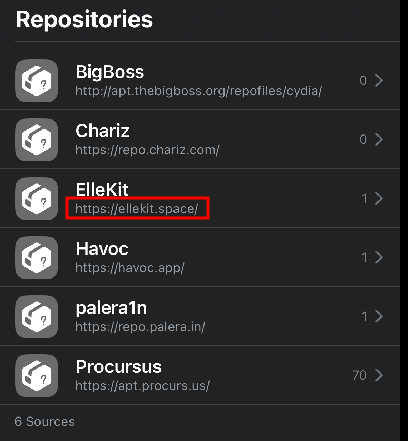
Next, go to search and install the following packages:
ElleKit PreferenceLoader TrollStore Helper (for me, it was already installed, as you could have seen on a previous screenshot)
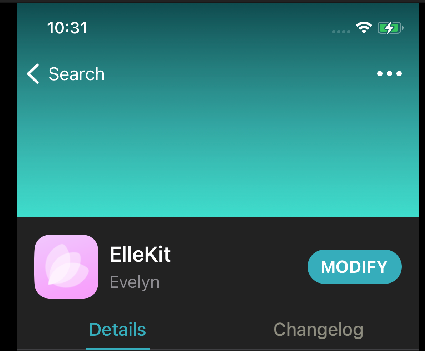
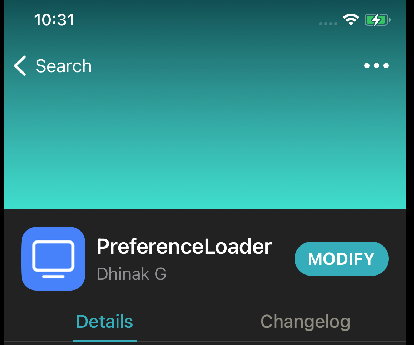
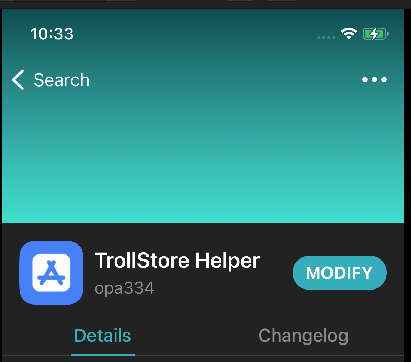
Next, open the TrollStore Helper (also known as TrollHelper) application and click on “Install TrollStore.”
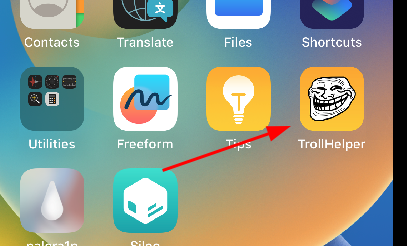
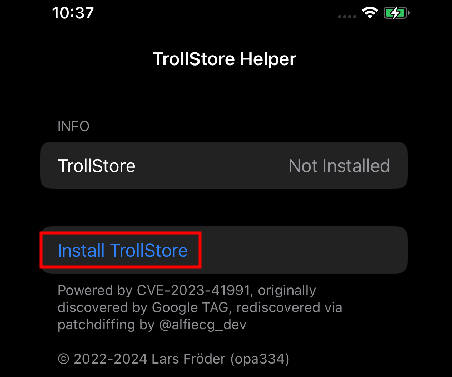
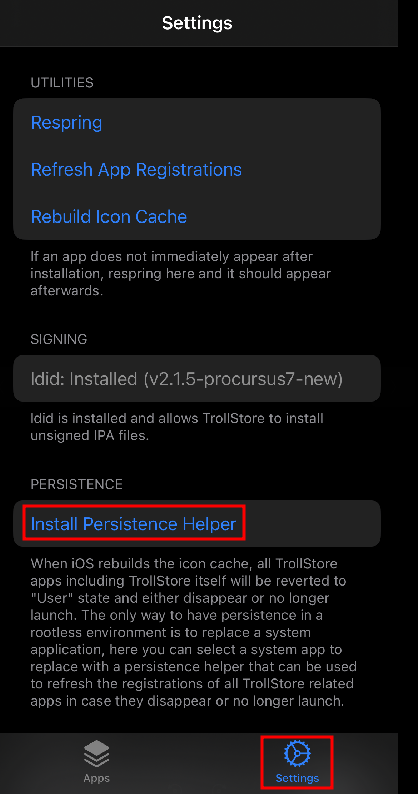
Inside the “TrollStore” application, click on “Settings” and tap on “Install Persistence Helper”.
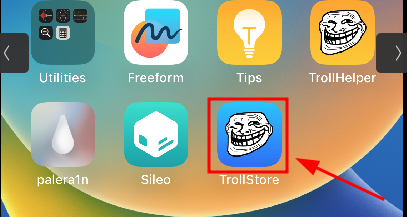
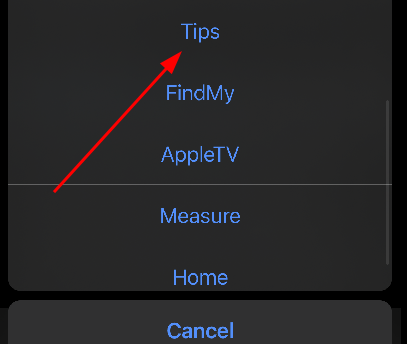
Click on “Tips”.
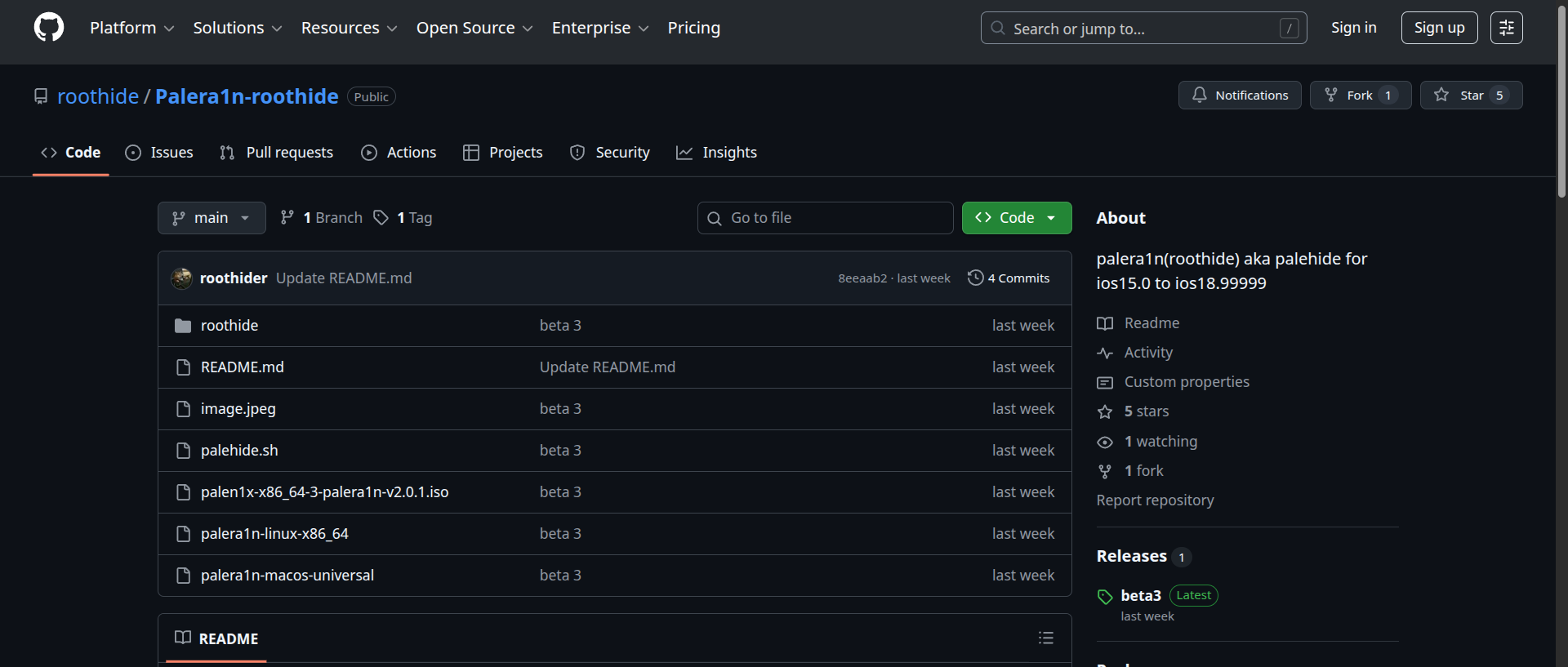
Next, go to the following link: https://github.com/roothide/Palera1n-roothide
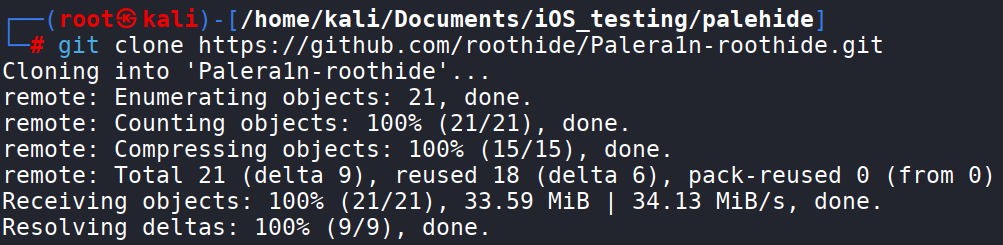
Clone the repository:
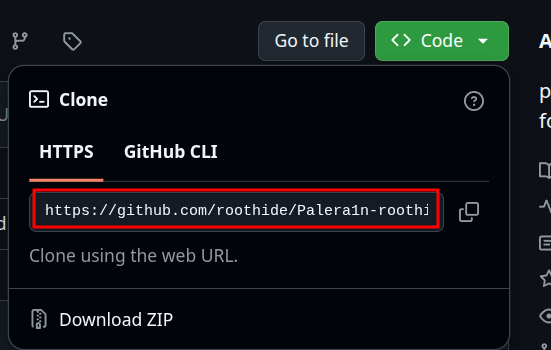
https://github.com/roothide/Palera1n-roothide.git
Change directories into the Palera1n-roothide directory.
1
cd Palera1n-roothide
And run the palehide.sh script.
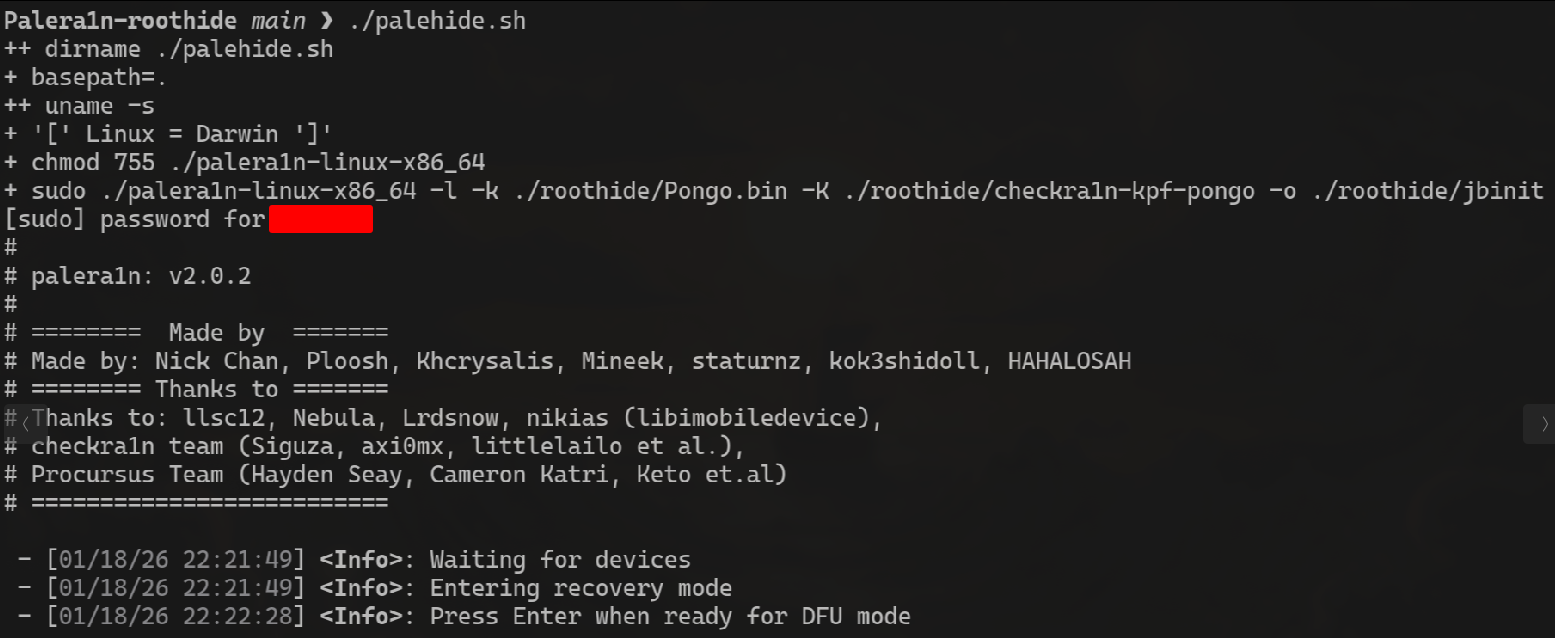
When executed, you will be prompted with the following message:
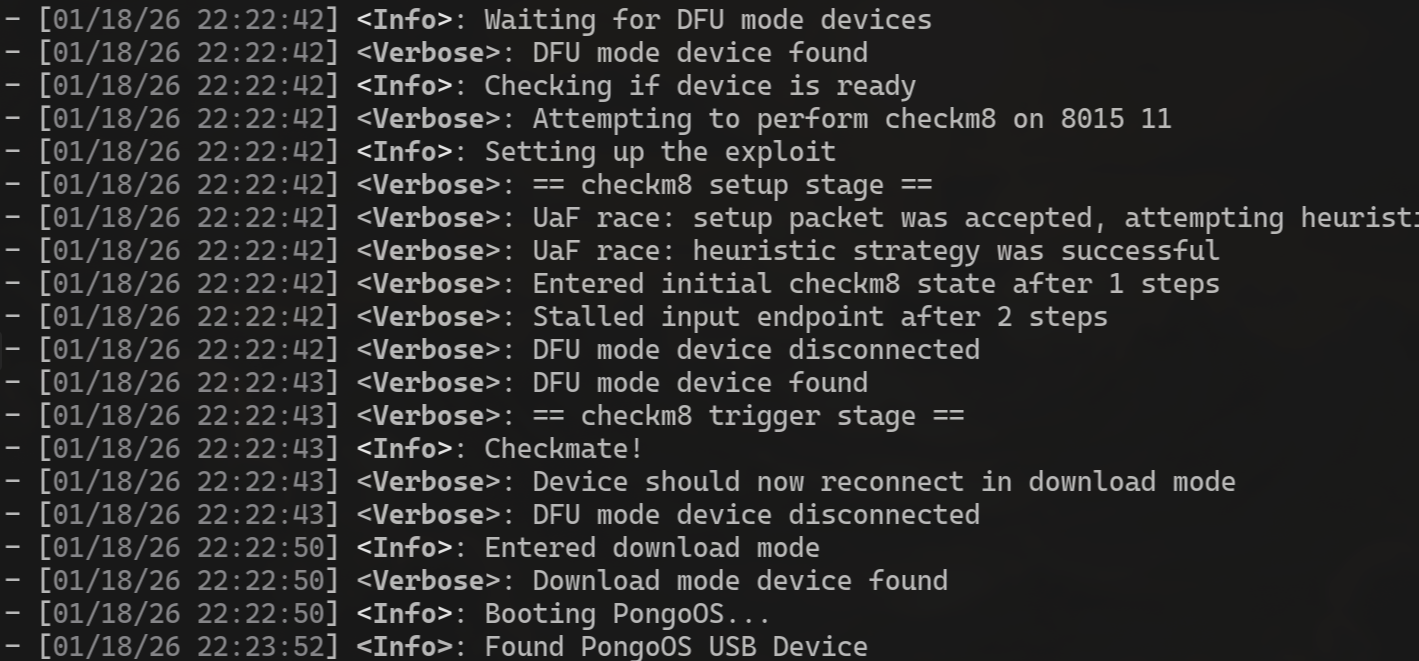
Now you can use Safari to go to the RootHide repository and download Dopamine2-roothide. (https://github.com/roothide/Dopamine2-roothide/releases/tag/20 )
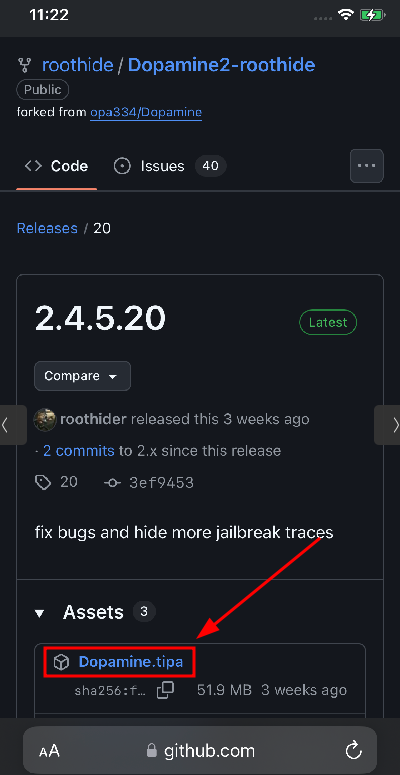
Download the .tipa file.
After downloading, head into the TrollStore application.
Click on the “+” sign. And the choose .ipa file.
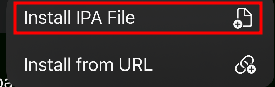
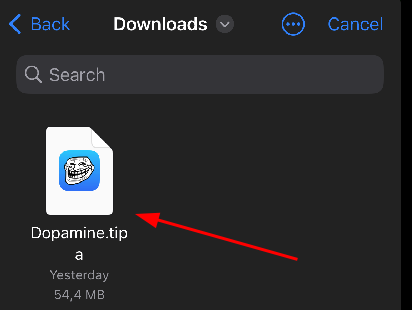
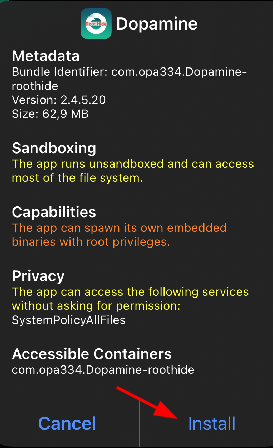
Next, choose the .tipa file that you just downloaded from GitHub. And proceed with “Install”.
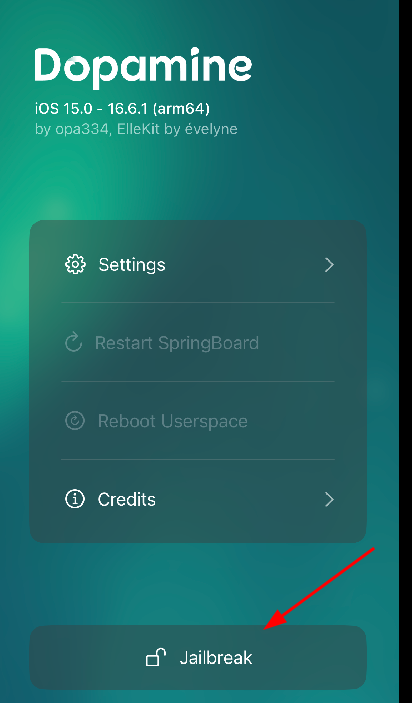
Next, open the Dopamine application and hit the jailbreak button.
You will need to set a password, and after that, you will see the RootHide application appear.
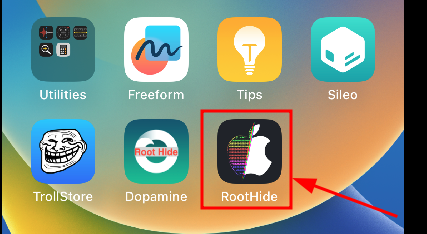
Now you have a device that is capable of evading most of the jailbreak detection mechanisms out there. Congrats!
Feel like with this artice it’s important to put this here: This content is provided for learning purposes. Any actions you take based on this information are at your own risk and responsibility.